
Context
I'd been thinking about brushing up this personal website for a while: improve load time, give it a more professional feel, and shift the emphasis toward the content rather than the chrome around it. At the same time, I wanted to run an experiment with Claude Design and see how far it could go in automating the design process, and what quality of output it could actually produce.
The Process and Tools
The process started with Claude Design, which I used to generate a design system to my specifications. From there, I shared that design system with Claude Code inside this project via the claude_design MCP, and asked it to replace the site's existing components with Shadcn UI components aligned to the new system.
Notably, no Figma, Balsamiq, or any other canvas-based design tool was involved at any point. The entire loop, from generating the design system to having it implemented in code, took about two hours.
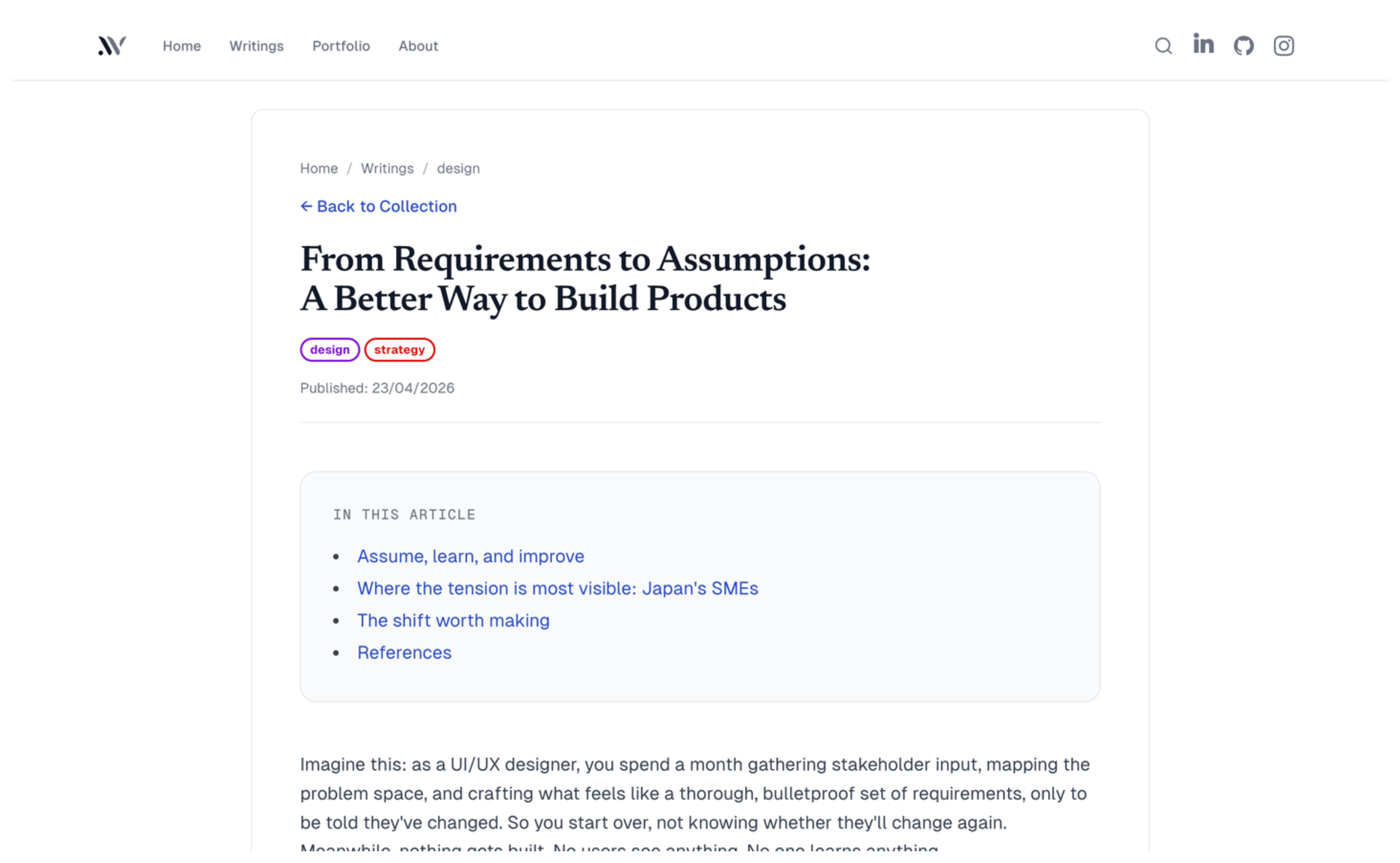
Before vs After
Before

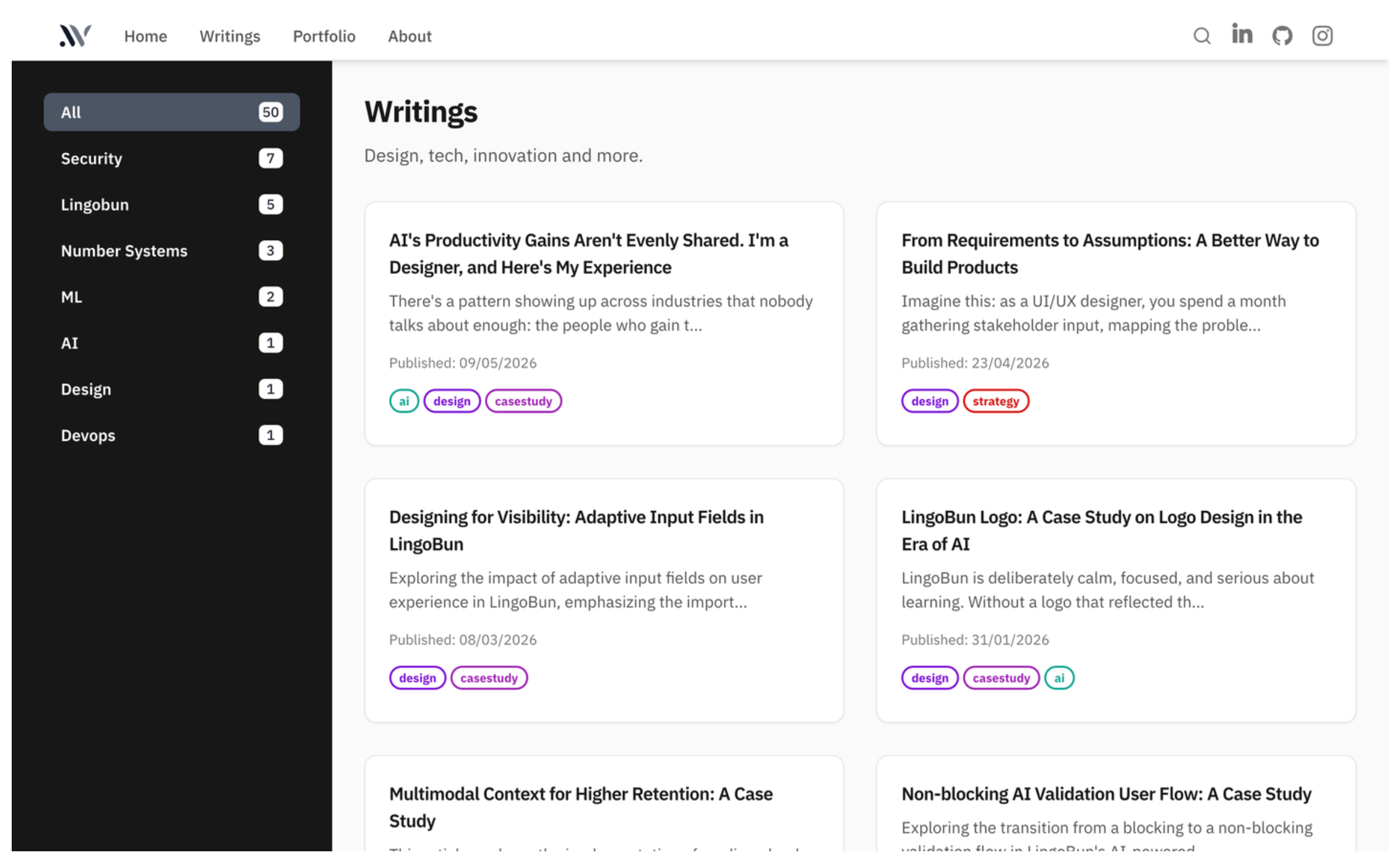
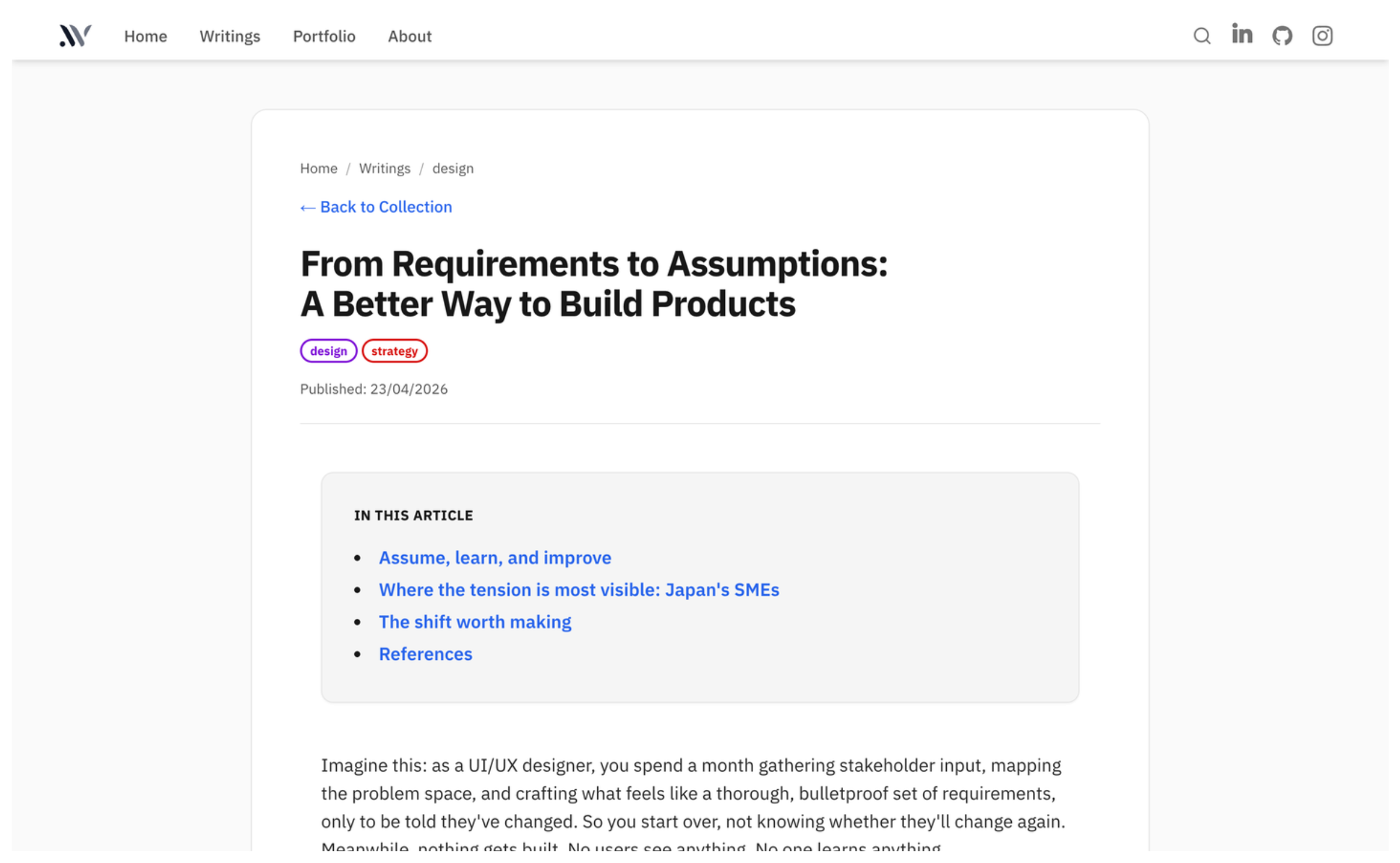
After
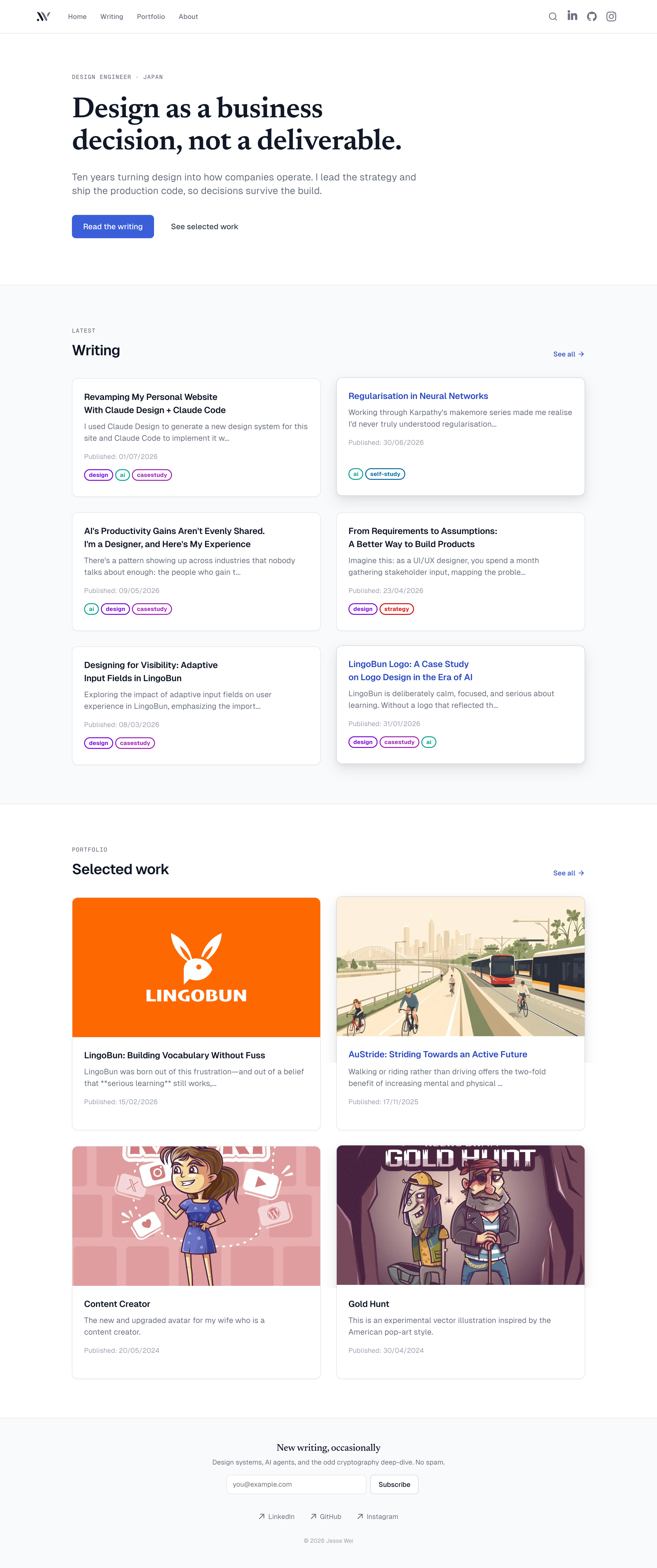
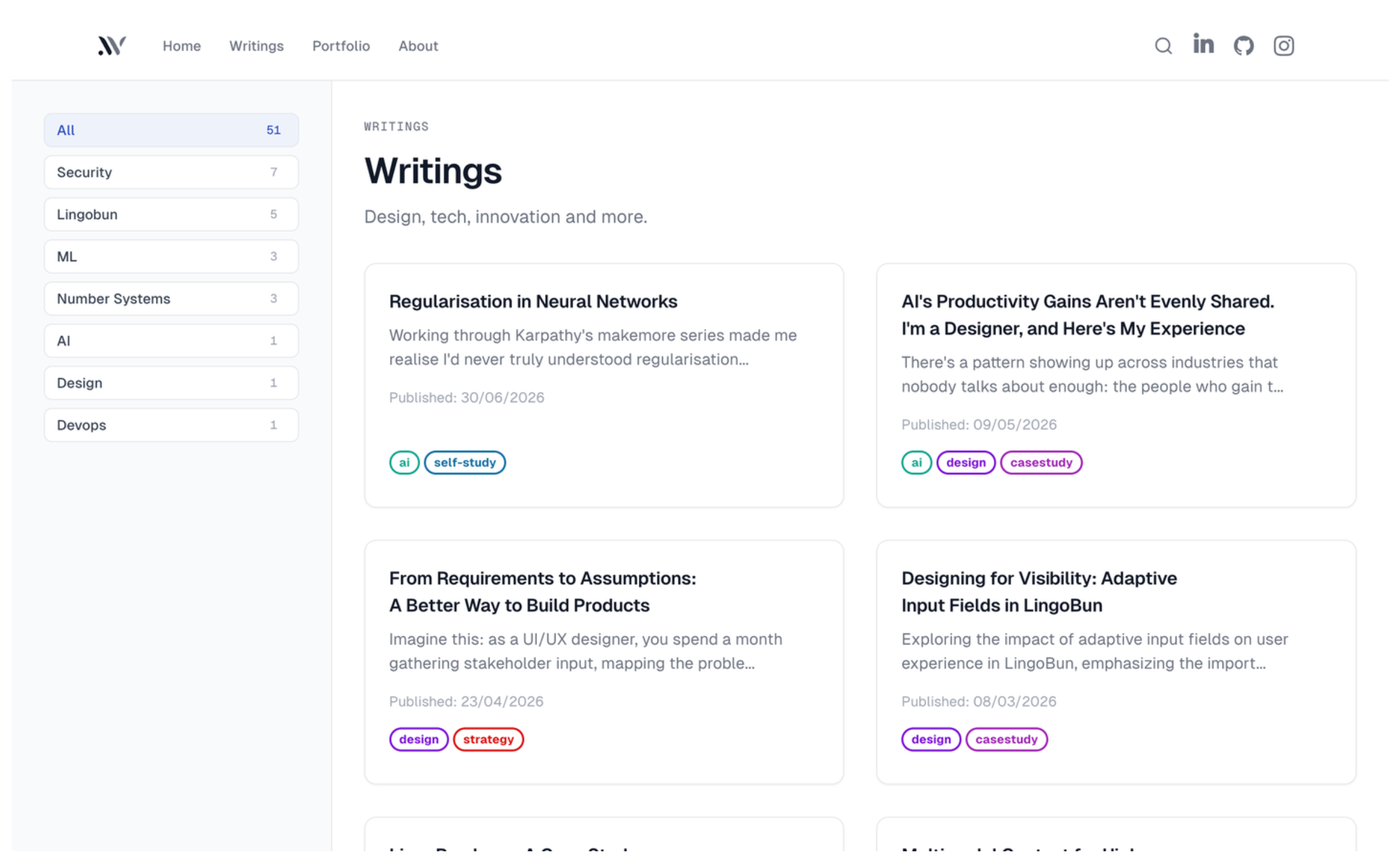
Takeaways
The level of consistency in the design system Claude Code generated is impressive. It would be practically impossible for a human designer to produce something of comparable quality in ten minutes.
The resulting design also aligns well with what I set out to achieve: the new site looks cleaner and more professional, and it puts the focus on content rather than appearance.
If this trajectory holds, AI-as-a-canvas is where UI design is headed.